Skip to content

Pocket

A free menu bar app for Mac.

Know what’s left.
Before you spend it.

Pocket keeps the money you have left in your Mac’s menu bar. Record what comes in and what goes out, and see when your balance would run out.

Get Pocket at pocketleft.appFree · macOS 14 or later · Apple Silicon and Intel
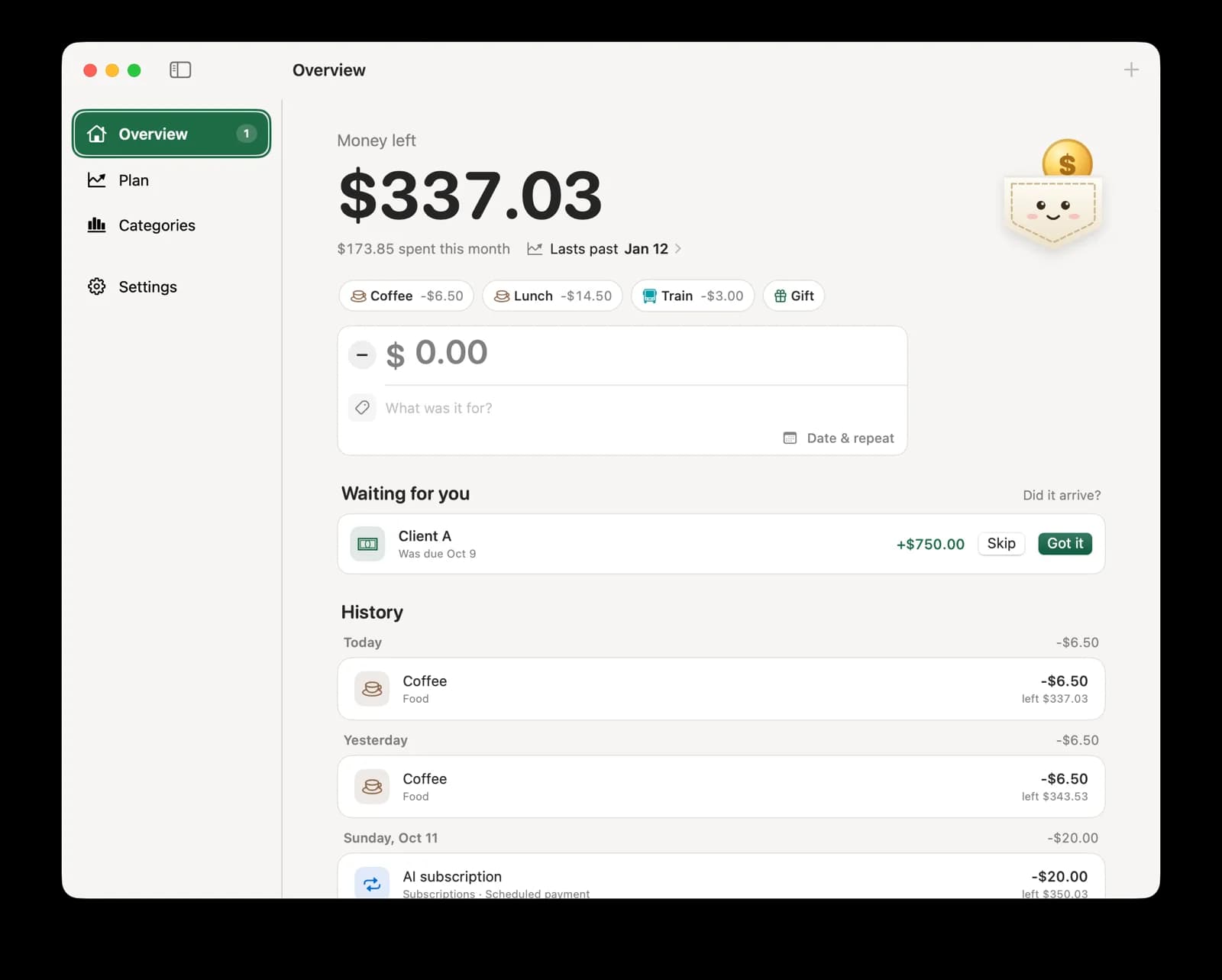
Pocket’s Overview window with the money left, quick-add buttons, a payment waiting for confirmation and the history
Pocket’s Overview window. The same balance sits in the menu bar.

No bank login.

One number you can trust, because you typed it.

Pocket doesn’t read your bank. You enter what you have today once, then record spending and income as it happens. Quick-add buttons turn your usual coffee into one keystroke, Command-1 to Command-9.

See your balance after rent, before rent is due.

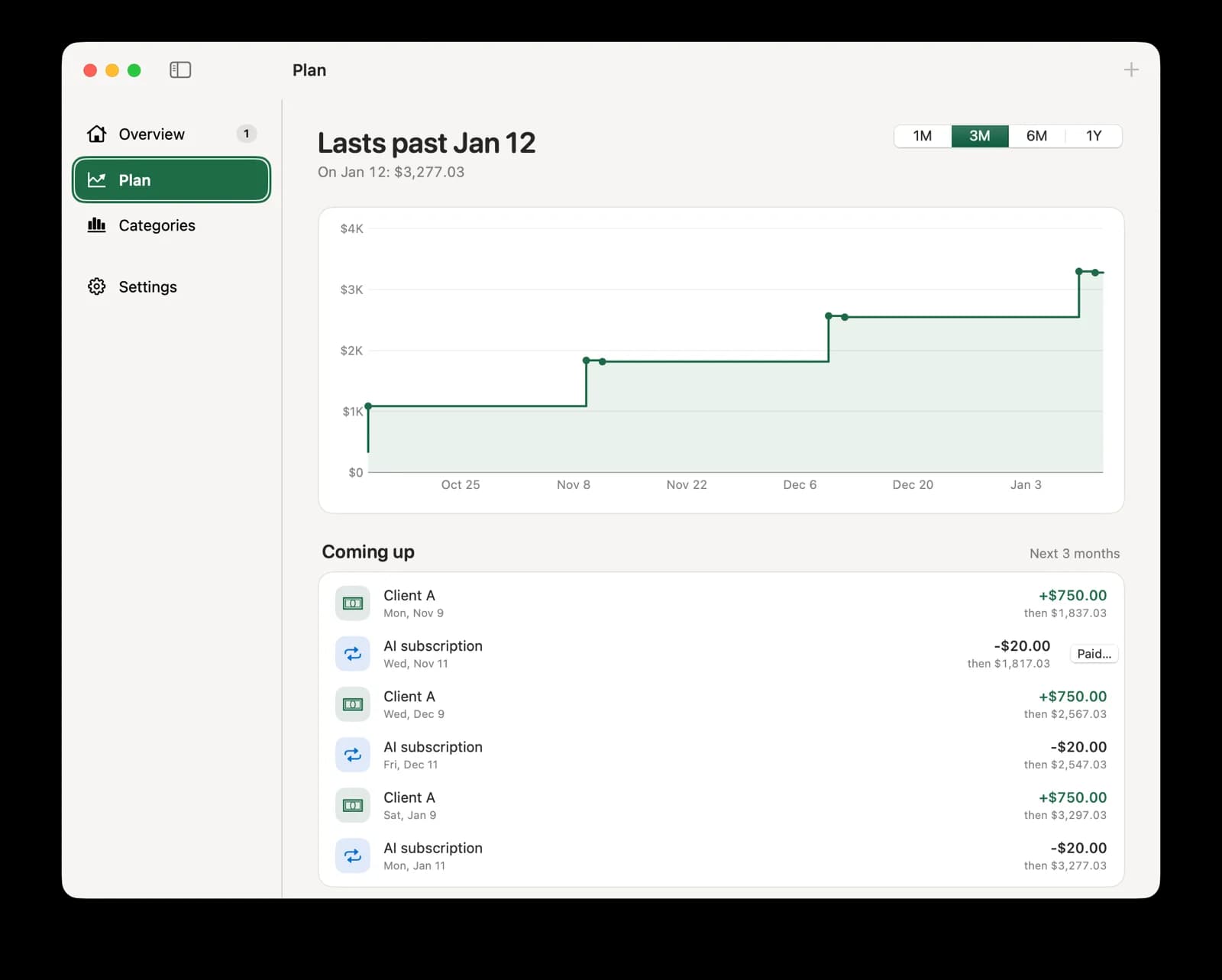
Schedule bills, subscriptions and paychecks to repeat weekly, monthly or yearly. Plan shows your balance for the next 1, 3, 6 or 12 months, including what you usually spend day to day, and the date it would run out.

Pocket’s Plan window with a three-month balance chart and the payments coming up
Client AExpected Oct 9
+$300.00
Got itArrived Oct 12
+$280.00
Example: a $300 payment that arrives late, as $280.

Money that hasn’t arrived stays out.

Freelance pay, a refund, the $40 a friend owes you. Mark it as waiting: it counts in the forecast, not in your balance. When it lands, confirm the amount and date that actually arrived.

Your money stays yours.

  • No account. Your data lives in one file on your Mac, with seven daily backups.
  • Any currency, one per ledger.
  • Optional sync through a server you run.
  • Signed and notarized by Apple.

A few things to know.

Is Pocket free?

Yes. Every feature, with no account and no trial. The source code is on GitHub.

Does it connect to my bank?

No. You record what comes in and what goes out, and Pocket keeps the balance you’ve recorded. That’s why it works with any bank, in any country and any currency.

Where is my money data stored?

In one file on your Mac, with seven daily backups. From Settings you can export it as JSON or CSV and import it on another Mac.

Can I see my balance on my phone?

Yes, if you want to. Connect Pocket to a free Supabase project you run, then pair your phone with a 6-digit code. Your Mac keeps working offline.

Is it related to Mozilla Pocket?

No. Mozilla Pocket was a read-it-later app for saving articles. Pocket for Mac is a money app with no connection to Mozilla.

Put your balance in the menu bar.

Pocket is free, with every feature. Guides, release notes and the download live at pocketleft.app.

Go to pocketleft.app