Autonomous Web Interaction
Interact with any website's UI to fill forms, post content, reply to messages, or perform multi-step workflows on any platform.
$ driva "Go to GitHub, star the top trending repo today"Chrome Extension · BYOK Model · Free to use
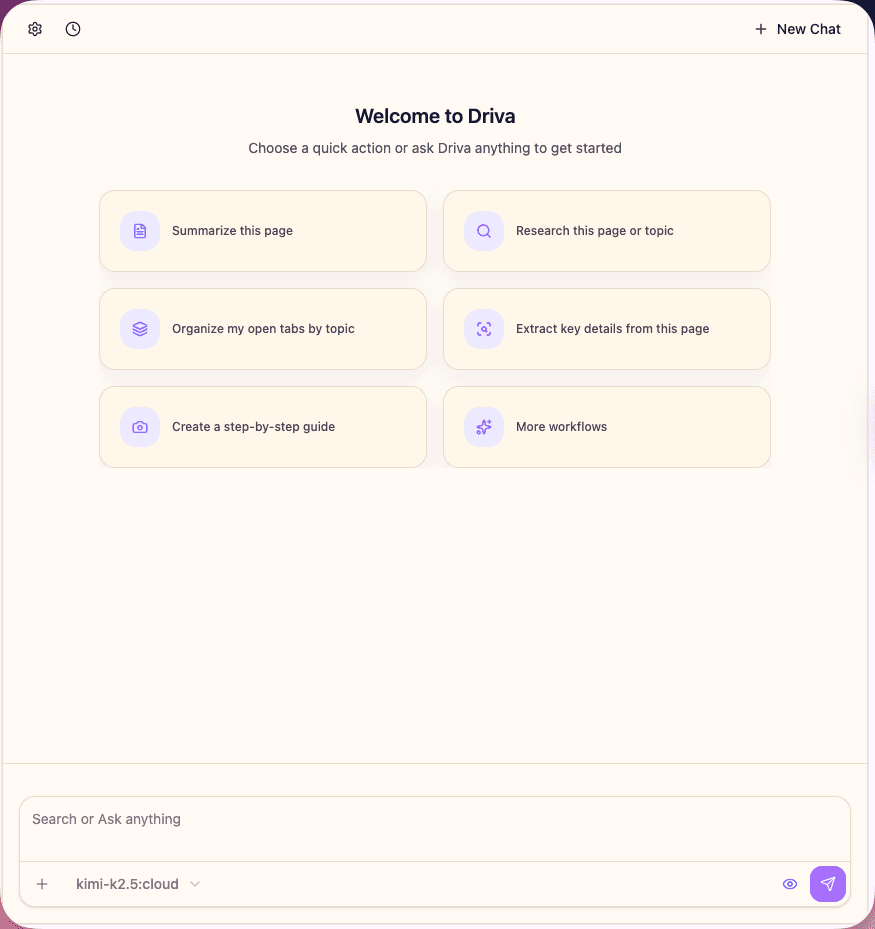
Driva is a Chrome extension that allows you to control and automate web tasks using natural language commands directly within your existing browser. No complex setup, no monthly subscriptions—just plug in your API key and start automating.
The problem
Most automation relies on fragile rules that break instantly when websites update their layout or design.
Doing repetitive web chores manually—like moving data between tabs or clicking through forms—quietly kills your productivity.
You shouldn't need to learn how to code or hire a developer just to automate a simple 5-second workflow.
Native Integration
Access Driva via the side panel without leaving your current page. You provide the prompt, and the agent executes the flow autonomously, understanding the UI semantically.
What it does
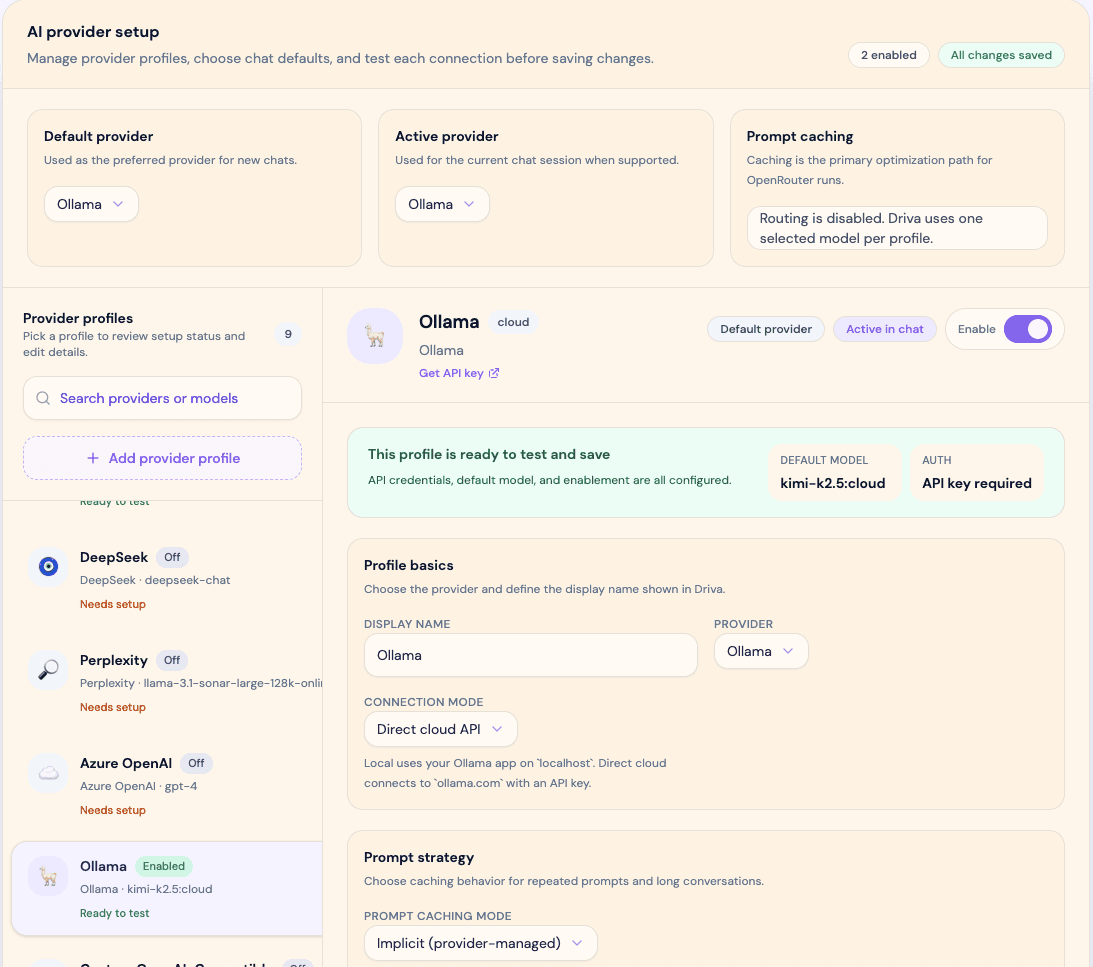
Driva combines natural language processing with powerful browser control directly in Chrome. Bring your own keys (BYOK) for OpenAI, Anthropic, Google, or even run local Ollama models.
Interact with any website's UI to fill forms, post content, reply to messages, or perform multi-step workflows on any platform.
$ driva "Go to GitHub, star the top trending repo today"Navigate directly to platforms or search for specific content by describing your goal, bypassing manual URL entry and complex menus.
Instantly condense long articles or web pages into concise summaries directly from the side panel.
Connect your favorite AI agents directly to your browser session via the Model Context Protocol.
Execution
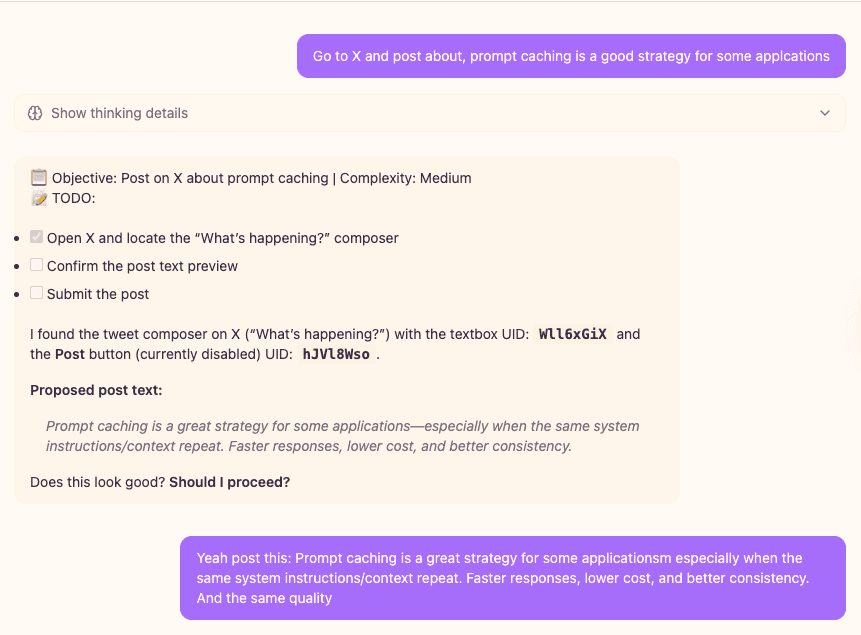
Driva computes the necessary steps to reach your goal, manipulating the UI dynamically until completion.
1. Plan & Workflow
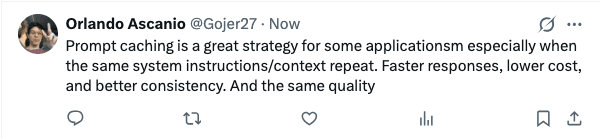
2. Final Result
Setup in minutes
Enter your API key for OpenAI, Anthropic, Google, or connect to your local Ollama instance.
Open the side panel and use plain English to explain what you want the agent to do on the current page.
Driva takes control, navigating and interacting just like a human user to complete your custom workflow.
Quickly automate research tasks, condense long articles, and collect data for assignments without manual copy-pasting.
Streamline repetitive daily tasks like managing communications, cross-posting content, and filling out forms to buy back hours of your day.
You are in full control of your keys and data.
Common questions efficiently answered.
Driva is an AI-powered Chrome extension that automates tasks in the browser using natural language instructions.
Driva supports the most popular AI providers, including OpenAI, Anthropic, and Google. It also integrates with Ollama for local cloud models.
Driva is free to use. It relies on a "Bring Your Own Key" (BYOK) model, meaning you only pay your chosen AI provider for the API usage.
Yes, Driva includes MCP support, allowing you to connect your favorite AI agents directly to your browser session.
Get started
Transform your browser into an AI-powered automation engine.
Maker
Built by Orlando Ascanio
Product
Driva